

KIDIZZ #ADVISOR · SATISFACTION SURVEYS Listen. Understand. Improve.
Create, send and analyse your satisfaction surveys from a single tool. #ADVISOR adapts to nurseries, holiday clubs, camps and trips.
See #ADVISOR in actionPersonalised 30-min demo · No commitment


 Google PlayMobile and tablet
 Apple StoreMobile and tablet
 HDS certifiedFrench health data hosting
 GDPRCompliant
CREATE & SEND
A survey ready to go. In a few steps.
Name your campaign, choose your audience, write your questions and send it through the right channels for your families or teams.
 1
Create a campaign

Name the survey and schedule its distribution period.
 2
Choose the audience

Families or staff, across one or several sites, centres or trips.
 3
Build the survey

Select your questions, themes and their display order.
 4
Send it

Send the survey via Kidizz, email, link or QR code.

1 MODULE · 3 USES
A clear view of satisfaction, nursery by nursery.
Survey families or staff, compare results across sites and quickly spot what needs improving.
 Multi-nursery surveysSend the same survey to one or several nurseries.
 Families or staffTailor each campaign to the audience you want to hear from.
 Customisable questionnaireCreate your own themes and questions; a template based on the annual FFEC survey is also available.
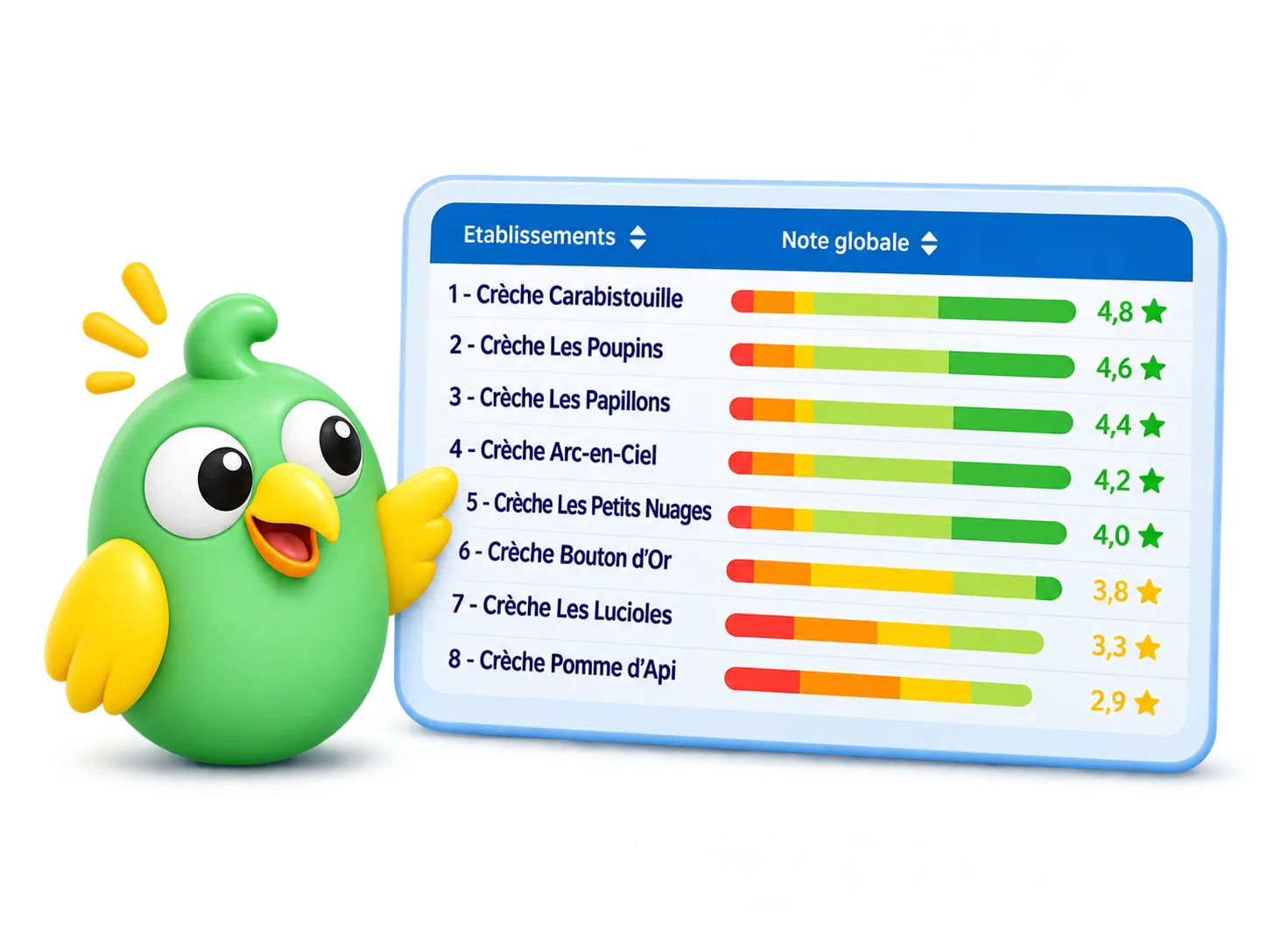
Measure satisfaction across a centre, a town or a network.
Bring together feedback from families and teams to compare sites and surface the most important expectations.
- One or several clubsRun a campaign for one centre or your whole network.
 Town or network viewCompare results and spot recurring topics.
- Tailored questionnairesOrganise your questions by theme according to your goals.
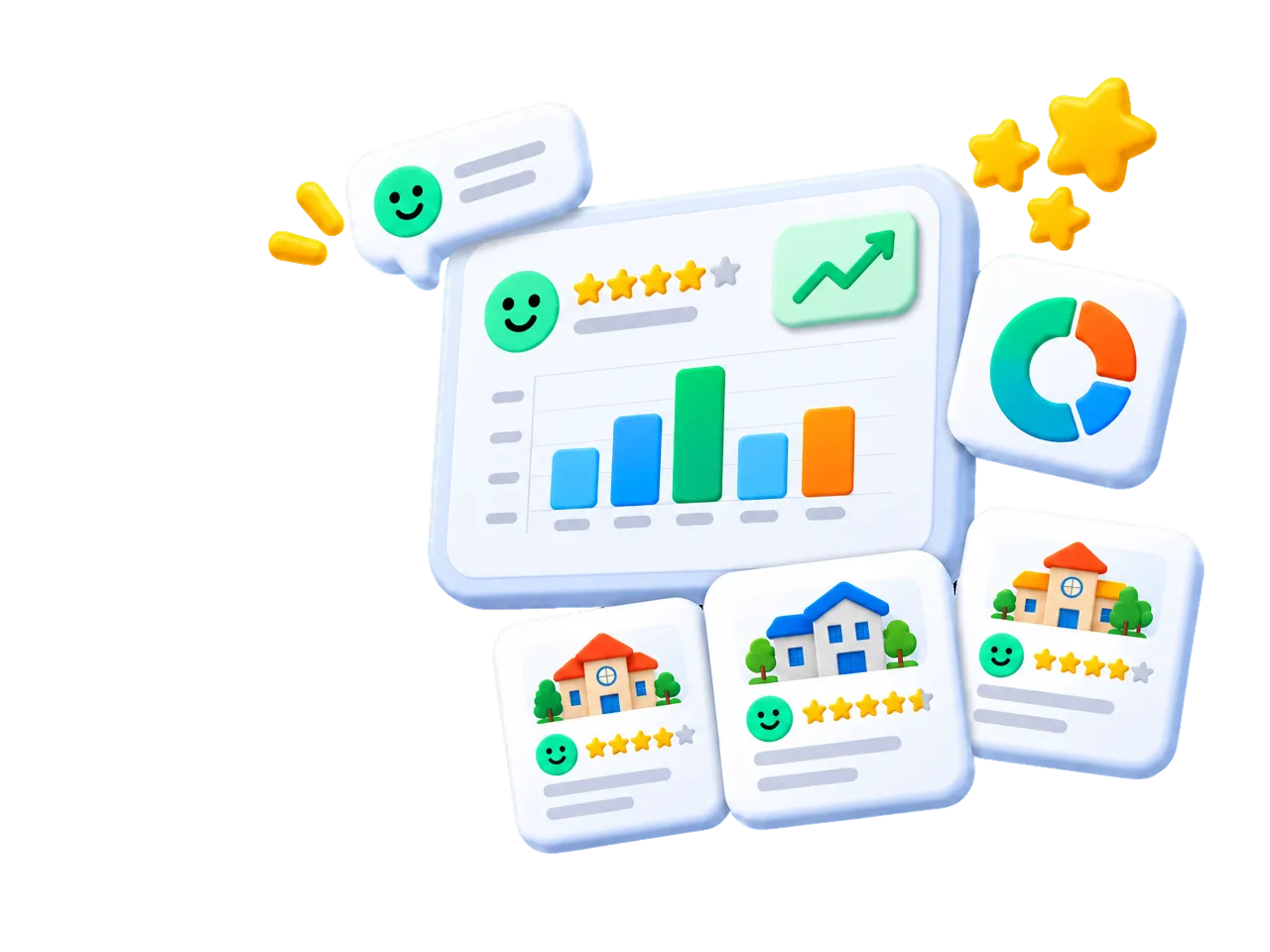

Satisfaction for every trip, all in one place.
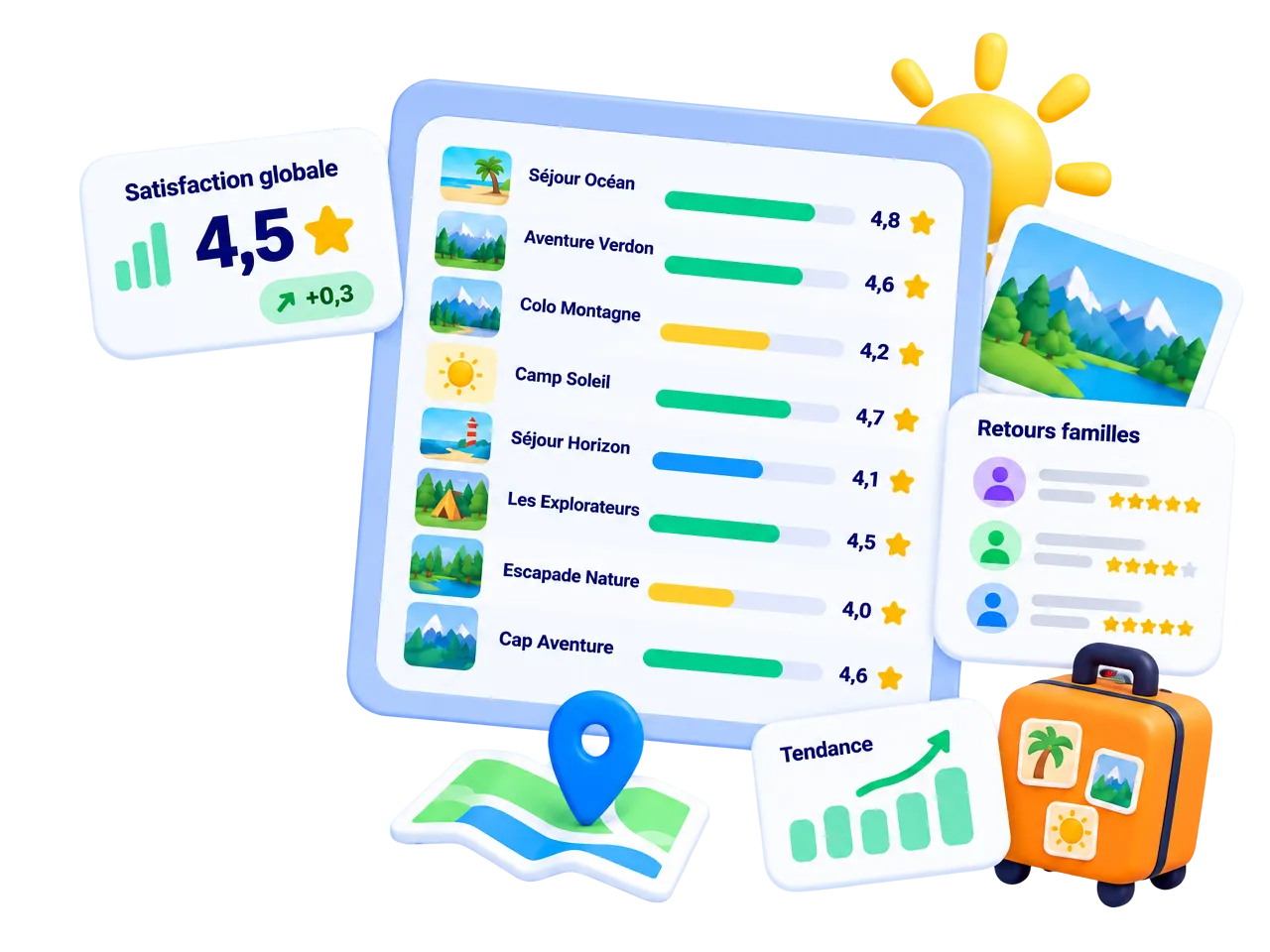
Survey families during or after a trip, compare destinations or sessions and surface strengths as well as pain points.
 One or several tripsFollow several destinations, sessions or centres from the same dashboard.
 Trip-by-trip viewGet a clear snapshot of satisfaction for each trip.
 Family feedbackAnalyse ratings and comments to improve future experiences.
REAL-TIME RESULTS
Everything you need to understand. Without waiting.
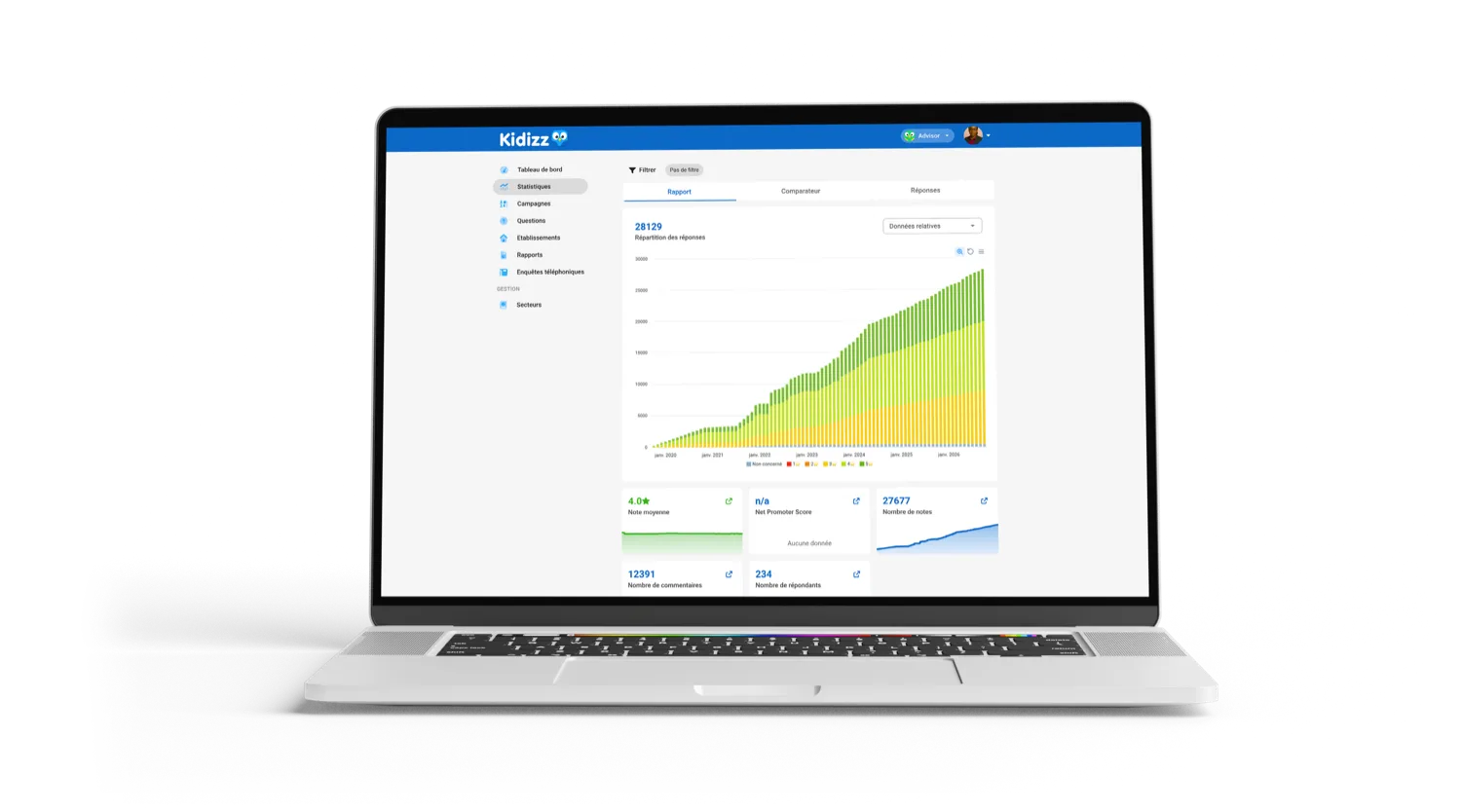
Answers arrive in a single dashboard. Data is shown as charts so you can quickly spot trends and areas for improvement.
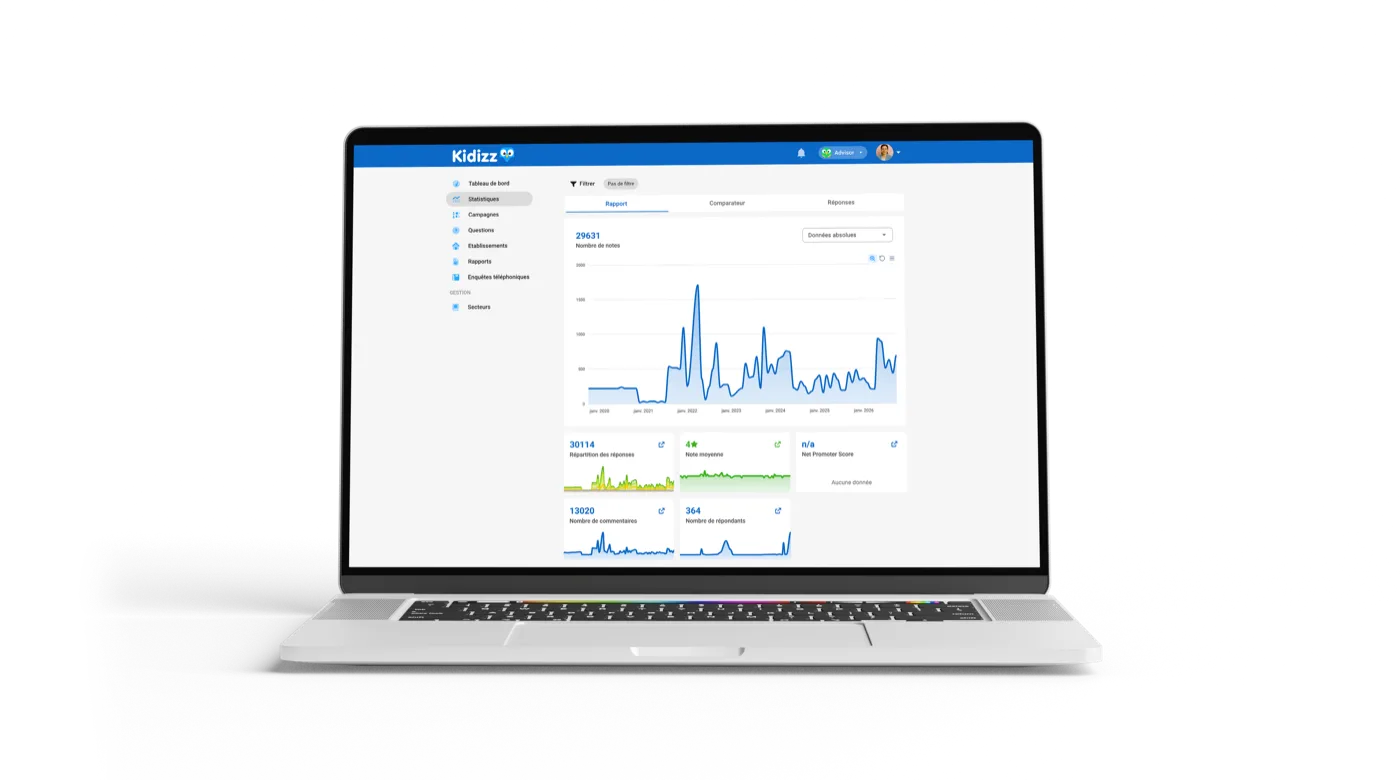
 Real-time dashboardFollow ratings, answers and trends as they come in.
 Low-score alertsSet an alert when a satisfaction threshold is crossed.
 Visual insightsSee trends and areas for progress at a glance.
 Excel exportExport results to share them or dig deeper.
FAMILY NOTIFICATIONS
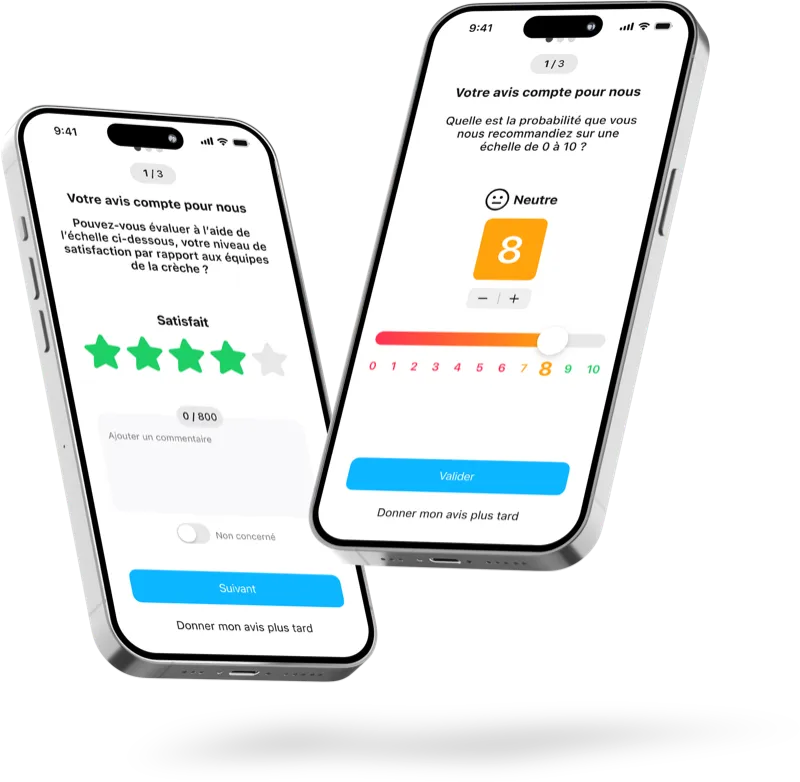
The survey arrives right in Kidizz.
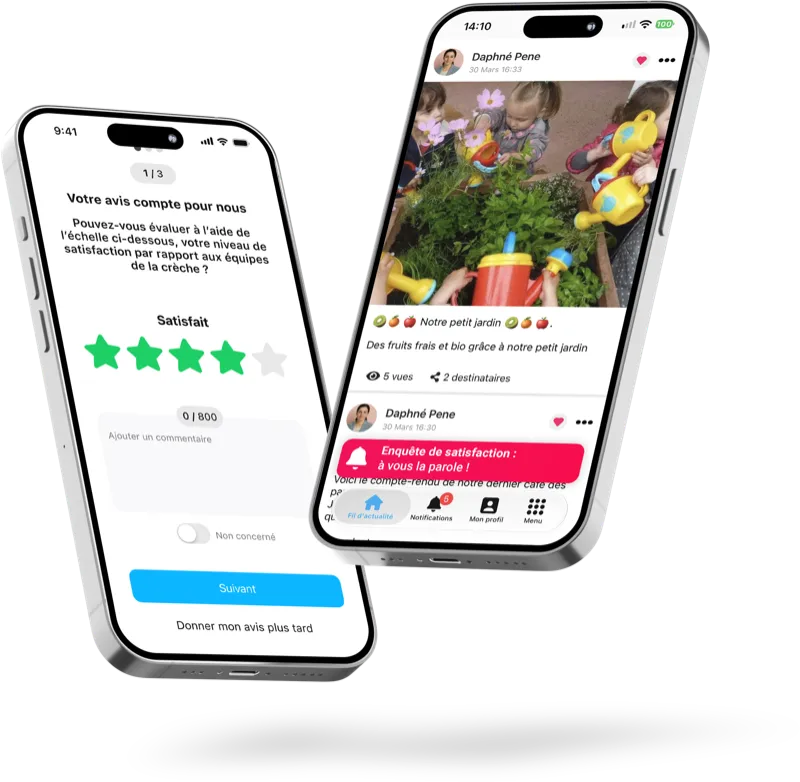
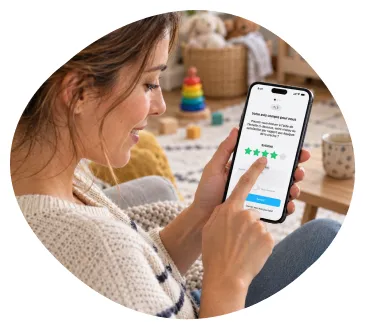
As soon as a survey is published, families are notified in the Kidizz app and can answer without switching tools. This built-in experience achieves response rates above 70%.

Crèche Carabistouille
Satisfaction survey
9:41


 You publish the surveyChoose your audience and launch your campaign from #ADVISOR.
 Parents are notifiedThe new survey appears right in their Kidizz environment.
 They answer in KidizzA few seconds are enough to share a rating and a comment, without leaving the app.
 Franck DuvalFather of Lise DuvalCarabistouille Nursery / Babies groupIs the nursery a fulfilling environment for your child?1Monday 12 January 2024, 4:45 pmLise really enjoys the nursery, but I sometimes feel the activities are not suited to her age.
 Pauline FuchsMother of Oscar FuchsCarabistouille Nursery / Toddlers groupHow satisfied are you with the quality of the meals served to the children?5Wednesday 14 January 2024, 2:33 pmOscar loves the meals at the nursery and even eats vegetables he refuses at home. Please share the recipe! 😀
Families have their say
Ratings tell you what.Comments tell youwhy.
Read families’ comments, sort them by date or rating and export them to dig deeper with your teams.
Listening tailored to each sector
One standard: listening better to families.
The module stays the same, with uses adapted to each context.

Nurseries
Family or staff campaigns, multi-nursery comparison and an FFEC questionnaire template.

Holiday clubs
Bring together family feedback and compare your different holiday clubs.


Camps & trips
Follow several destinations or sessions and quickly see what makes the difference.
They use Kidizz every day
See how nurseries, holiday clubs and camp organisers use Kidizz.


“Rolling out Kidizz was very simple and efficient”
Junior and Anne-Laure Noubissi
Read the case study
Founders / La cabane d’Achille & Camille



“Kidizz has revolutionised how we communicate with parents”
Justine Bernagou
Read the case study
Marketing and Communications Manager

“Kidizz helps build a relationship of trust and enrich daily handovers...”
Linda Boisseau
Education & Urban Policy Officer

“Kidizz has brought us an innovative human and technological dimension.”
Julie Royer
Communications & Marketing Manager

“With Kidizz, we share the highlights of our multisensory approach to learning...”
Claudia Kespy-Yahi
Founder



“...real-time updates, creating an immersive and transparent experience.”
Benoît Maury
Read the case study
Managing Director

“A very friendly team, highly professional and just as responsive...”
Laurent Gsell
Read the case study
Regional Manager - Moselle

“Kidizz complements our relationship and exchanges with families...”
Hélène Darras
Read the case study
Head of Leisure Activities“Kidizz helps build a relationship of trust and enrich daily handovers...”
Linda Boisseau
Education & Urban Policy Officer


“Kidizz is an indispensable tool for us...”
Willy Quentel
Read the case study
Head of Holidays, Accoord

“Overwhelmingly positive feedback from parents...”
Stéphane Bourrier
Read the case study
Customer Experience Director


“...very easy to use, for families and staff alike!”
Elsa Quévreux
Read the case study
Communications and Marketing Manager

FAQ
Before you discover Kidizz
Answers to the most frequently asked questions

Who is Kidizz #ADVISOR for?
For nurseries, holiday clubs, camps and trips that want to measure satisfaction, from a single facility to an entire network. Each campaign can survey families or staff.
Can the questions be fully customised?
Yes. You create your themes and questions and choose the order in which they appear. For nurseries, a template based on the annual FFEC survey is also available as a starting point.
How do I send a survey?
Schedule the survey period, choose your audience, then send the survey via Kidizz, by email, by link or by QR code. Published in Kidizz, it reaches families directly through a notification, which helps achieve response rates above 70%.
Can I follow several sites or trips?
Yes. The same survey can be sent to several nurseries, clubs or trips. The dashboard compares results in real time, alerts flag low scores and results can be exported to Excel.


What if we made your day easier?
Discover Kidizz in 30 minutes
Personalised 30-min demo · No commitment